


05-17-2012, 10:55 AM
MS Office Picture Manager Options:
Original: 3.75 MB, 3872x2592
- Can't post - too big in dimensions and file size
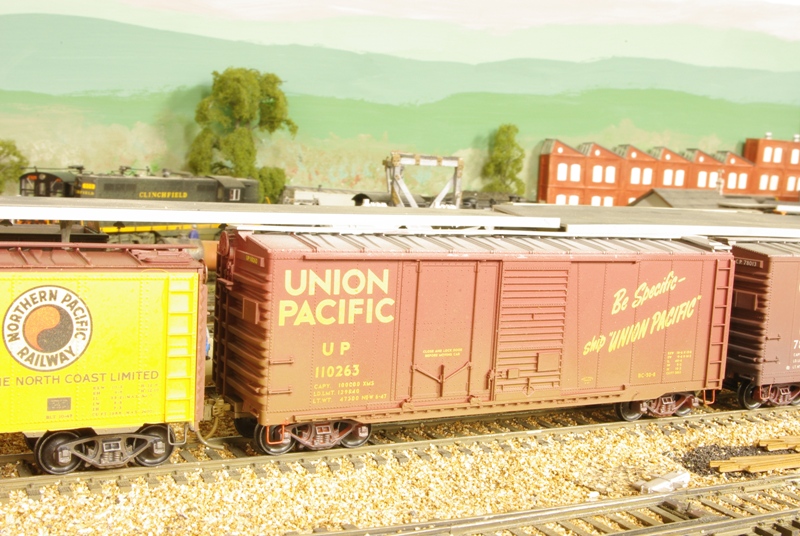
Using Resize option to size to constrain to Document - small (800x600): 288kB, 800x536 (due to aspect ratio)
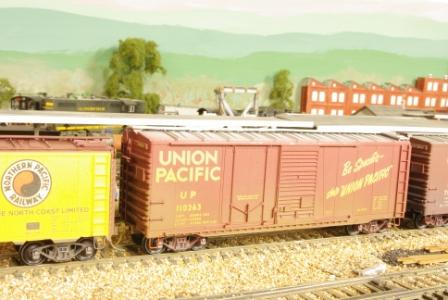
Using Compress to compress for Web Pages (448x336): 77.8kB, 448x300
Looks like Stein has covered the "manual" control afforded via the Export options while I was typing this up.... The only thing I would add is that you can tweak the settings more in export - you do not have to use the same compression ratio as the "shortcuts". You can also automatically open the picture in MSOPM by right clicking, and choosing "Open In..."
Andrew
Original: 3.75 MB, 3872x2592
- Can't post - too big in dimensions and file size
Using Resize option to size to constrain to Document - small (800x600): 288kB, 800x536 (due to aspect ratio)
Using Compress to compress for Web Pages (448x336): 77.8kB, 448x300
Looks like Stein has covered the "manual" control afforded via the Export options while I was typing this up....
The only thing I would add is that you can tweak the settings more in export - you do not have to use the same compression ratio as the "shortcuts". You can also automatically open the picture in MSOPM by right clicking, and choosing "Open In..."Andrew